Learned in two seconds
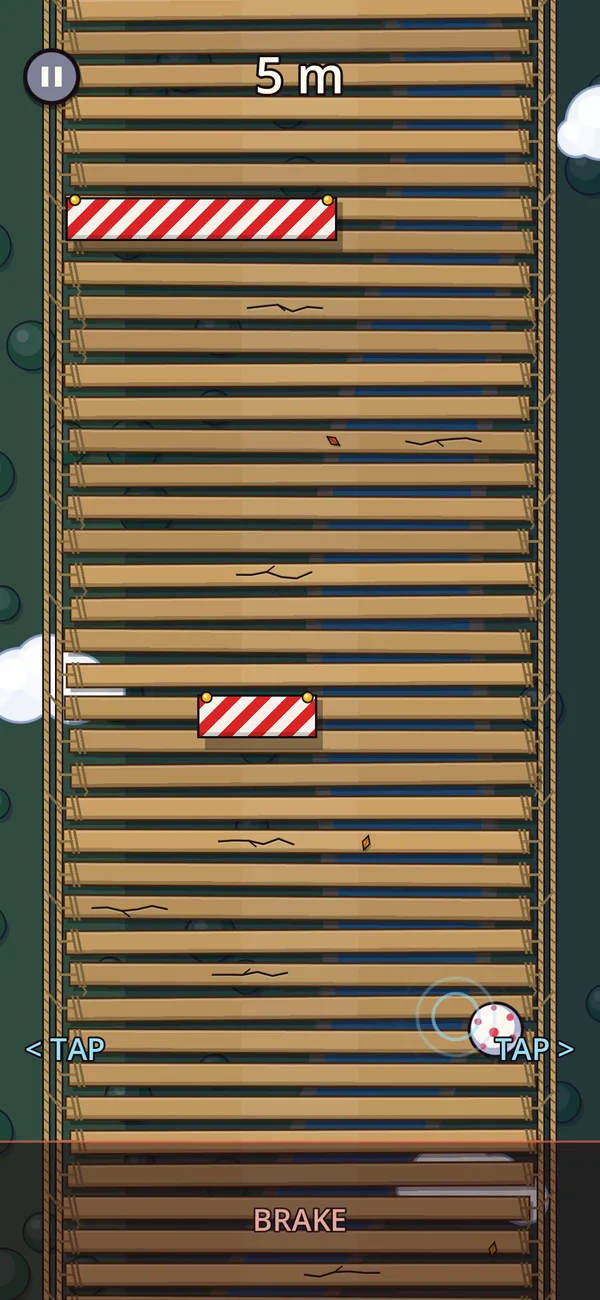
Tap the left half and the ball hops left. Same on the right. The bottom strip brakes. That's all the controls there are – and all you need.
How far can you roll?
One ball, one bridge high above the valley, and it rolls on its own. Tap left or right and it hops aside – past crates, barrels and gaps. The trouble is, it keeps getting faster.
Tap the left half and the ball hops left. Same on the right. The bottom strip brakes. That's all the controls there are – and all you need.
The ball keeps speeding up and runs away from you. The further up it gets, the later you see what's coming. Braking helps, but a little less with every metre.
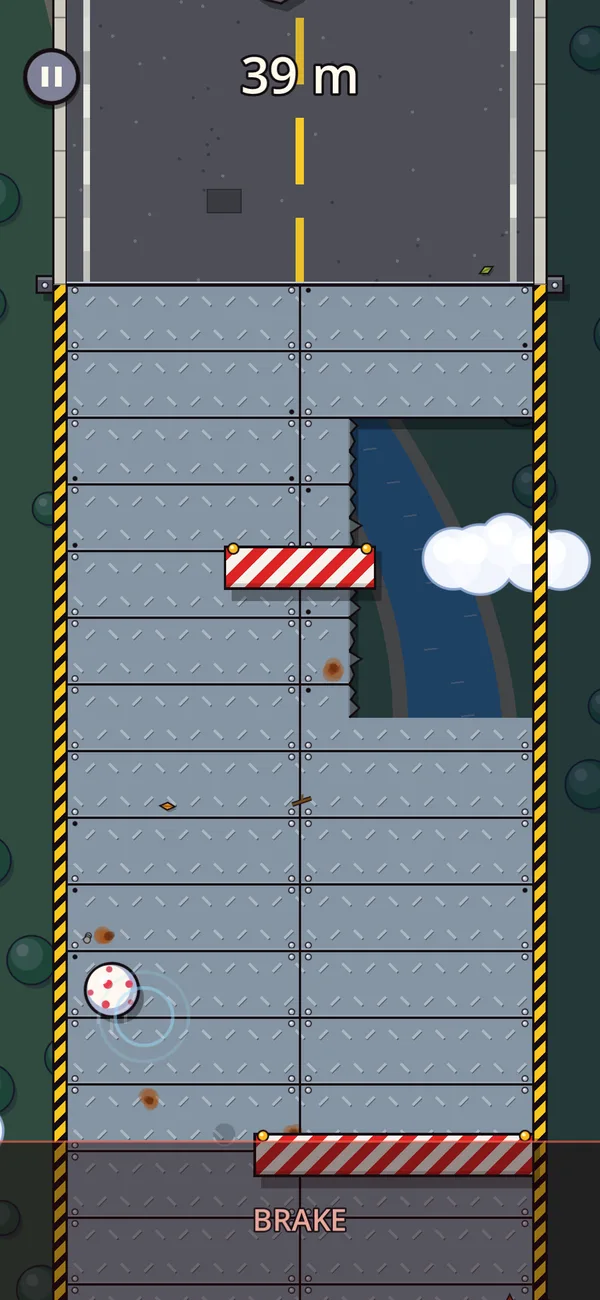
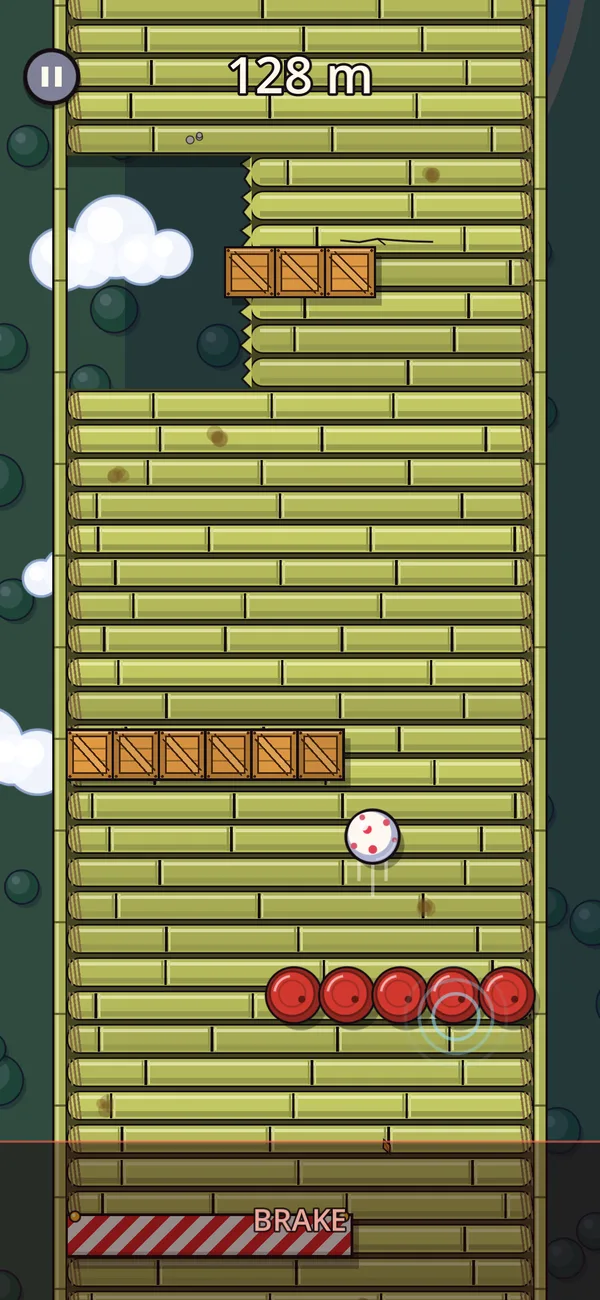
Every 24 metres the bridge changes: wood, stone, steel, rope, bamboo and asphalt. Each run is a new course, and round every bend a plank might be missing.
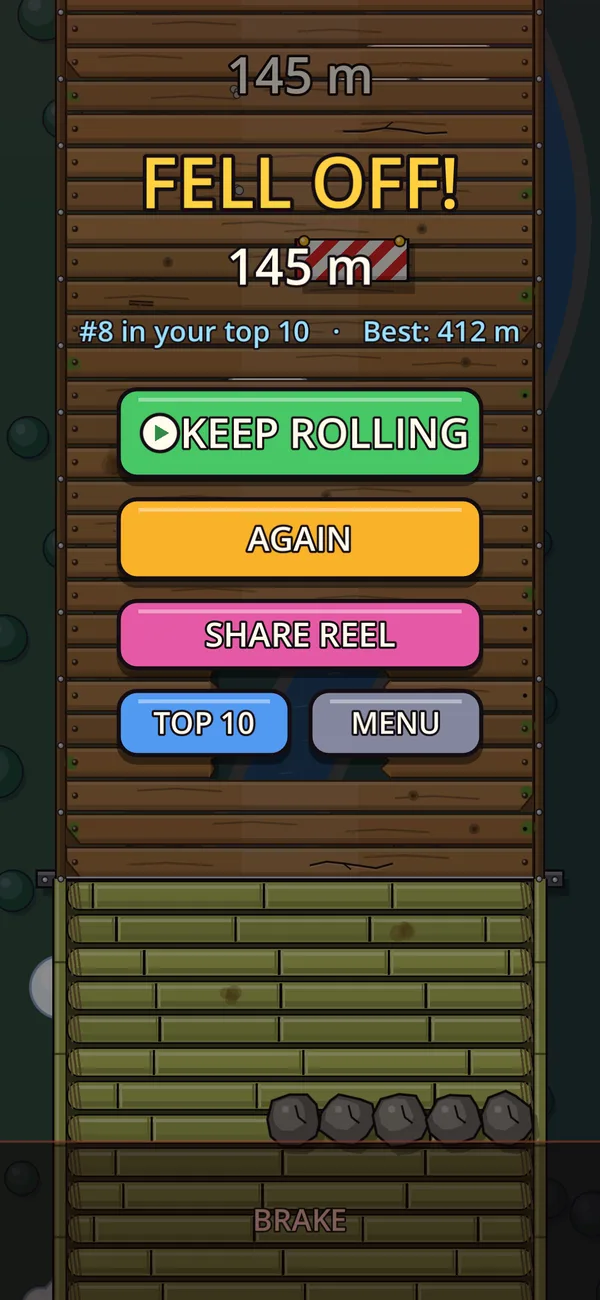
A good run deserves an audience: one tap turns it into a reel under 8 seconds – long runs sped up, the crash in real time. It lands in your gallery and goes straight to WhatsApp, Instagram or wherever you like.
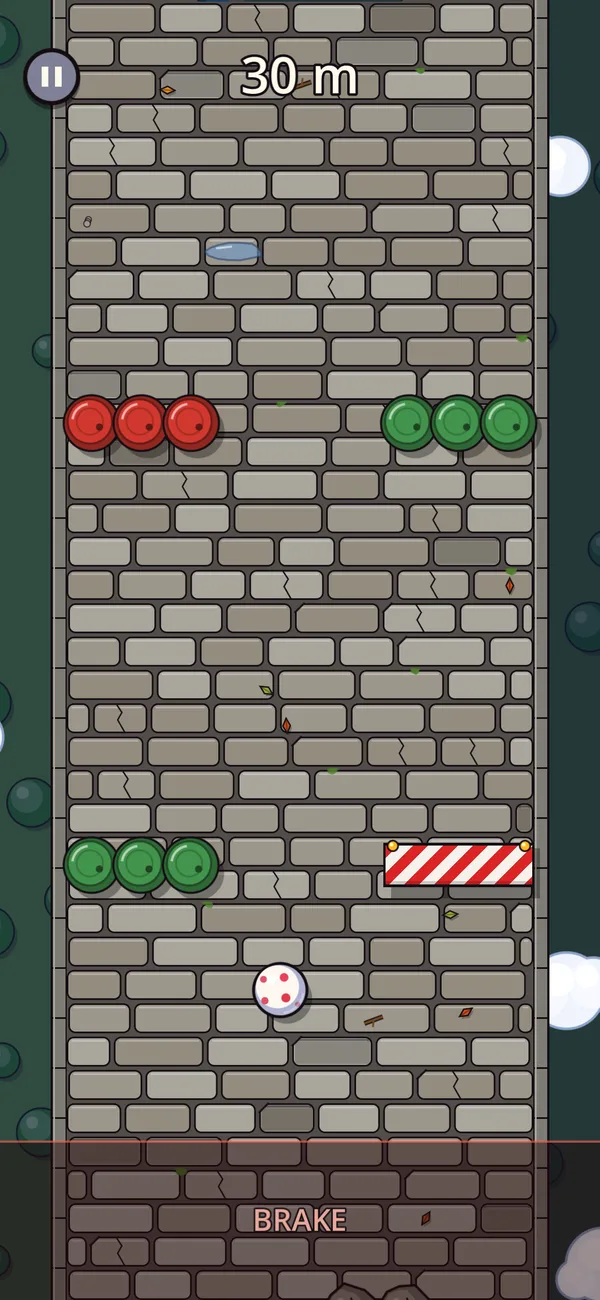
The ball rolls up the bridge while the bridge comes towards you. Tap left or right and it hops to that side; tap fast to push it further. Then it rolls back to the middle on its own.
Head-on into a crate, a barrel, a rock or a barrier – game over. Scraping along their side is fine. Missing planks and the edges send the ball into the valley. The strip at the very bottom brakes.
Nothing, and there's nothing to buy either. You only see ads if you want to: after a crash you can watch a short video, once per run, and keep rolling from the same spot.
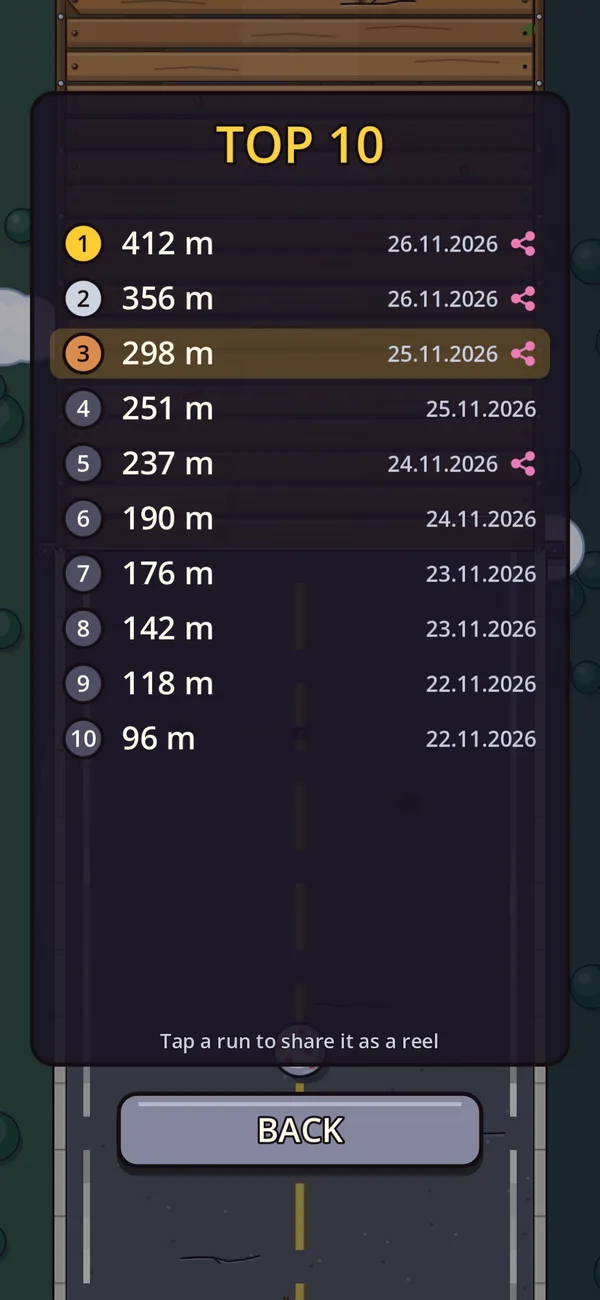
Tap “SHARE REEL” after a crash – or tap a run in your top 10. The game turns it into a short video with your distance, saves it to your gallery under “Movies/Wacky Bridge” and opens your phone's share menu.
That's on purpose. At the start a tap at the bottom pulls you back noticeably, the further you get, the less it does. If you want to go far, at some point you have to look ahead instead of braking.
English – it's only a handful of words anyway. The captions in the reels come in English and German, matching your phone's language.
Android smartphones running Android 7.0 or later, in portrait mode.